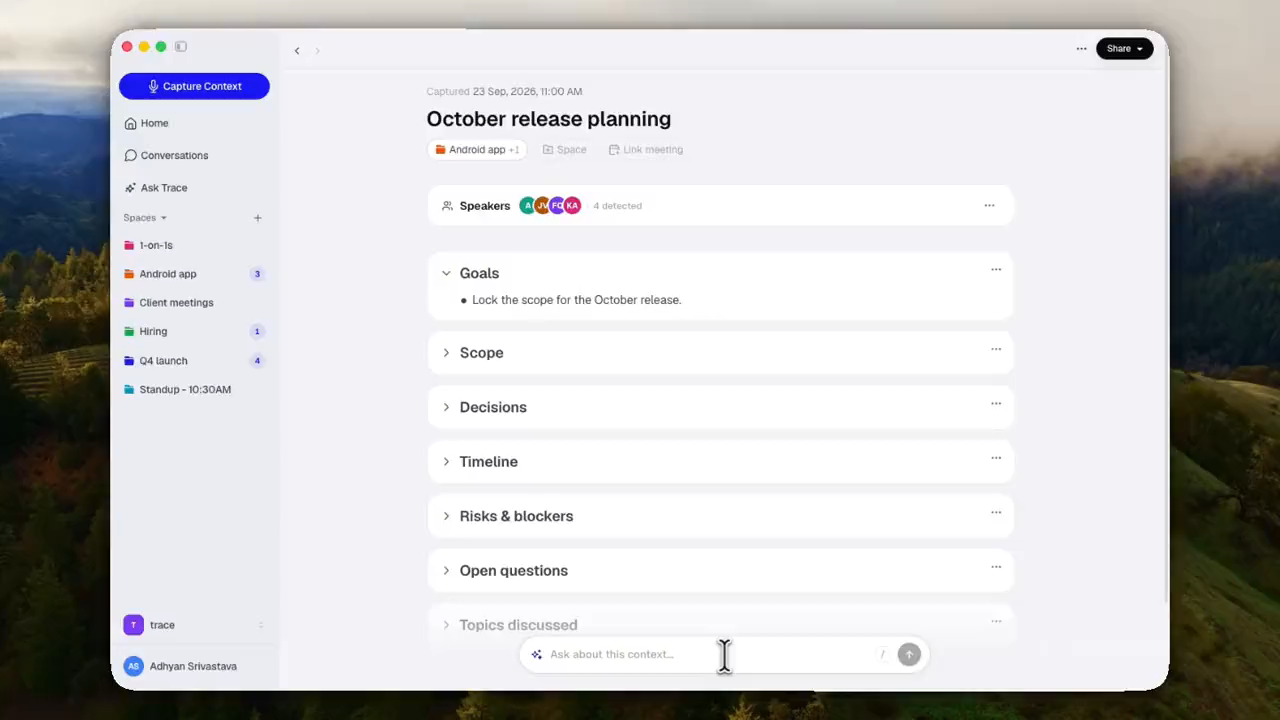
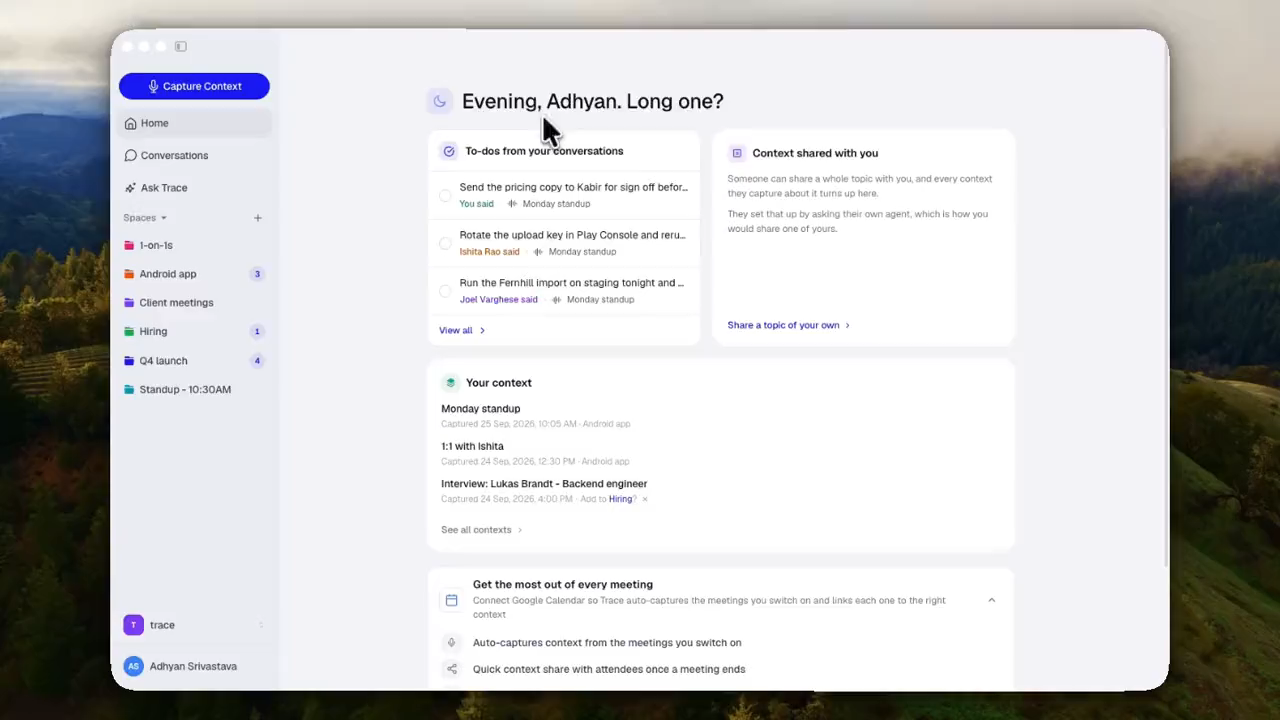
Group your recurring one-on-ones into a Space and Trace connects the dots across every conversation. You get a running recap of what's going well, what needs attention, and the open follow-ups to raise next time, each one linked back to where it came from.
Available on iPhone in Trace 1.3.1 (build 52+).
July 5, 2026
Download a context as a PDF
Export any context to a clean PDF right from the Share menu. Pick the sections you want (summary, decisions, action items, notes, and captured context), and it saves straight to your Downloads.
Available on desktop (Trace 0.3.7+).
June 28, 2026
Every point, by speaker
Trace now recognizes the different voices in your recorded conversations and tags each point in your summary, decisions, and action items by who was involved. Rename people or adjust a tag anytime.
Available on desktop (Trace 0.3.0+), iPhone (Trace 1.3 build 49+), and Android (Trace 0.5.0+).
June 15, 2026
Jot personal notes while you record
Type quick notes during a recording without breaking your flow — they show up right in the live transcript and get their own "Your notes" section on the context, kept separate from the AI summary. Add one from the recording pill or the expanded panel, and edit them anytime on the context page.
Available on desktop (Trace 0.2.65+), iPhone (Trace 1.0 build 39+), and Android (Trace 0.4.4+).
June 9, 2026
Connect Trace to Claude
Bring your captured contexts into Claude. Add Trace as a custom connector on claude.ai and Claude can read your summaries, decisions, action items, and the Spaces they're in — directly in conversation. Manage active connections anytime from your profile → Connected Apps.
Setup instructions visible on desktop (Trace 0.2.54+), iPhone (Trace 1.0 build 34+), and Android (Trace 0.4.0+). Custom connectors can only be added on claude.ai in a web browser; the connector then automatically syncs to your mobile app.
June 7, 2026
Start capturing with Action Button
Start recording instantly — press your iPhone's Action Button, ask Siri, set up a Back Tap, or run it as a Shortcut. No need to open Trace first.
Open Settings → Action Button
Select 'Shortcut'
Find Trace → Start Capture
Press Action Button anytime to record
Requires iPhone 15 Pro or later running iOS 17 or newer. Available in Trace 1.0 (build 31+).
June 7, 2026
Ask Trace streams answers as it thinks (desktop)
Ask Trace now streams its reply word-by-word instead of waiting for the whole answer. The first words land in well under a second and read along as the model composes. The "Thinking…" indicator also cycles through verbs so you know it's still working when sources are being fetched.
Available in Trace 0.2.52+ on desktop.
June 7, 2026
Smoother Google sign-in handoff (desktop)
After a Google sign-in, the browser tab now shows a quick progress bar and hands you back to the Trace window at exactly the moment it pops to front — no more "did that work?" pause between the browser and the app.
Available in Trace 0.2.52+ on desktop.
June 5, 2026
More distinct colors for your Spaces
The Spaces palette grew from 20 to 50 distinct folder colors, so your next several dozen Spaces each get a visually unique tint. Existing Spaces keep the colors they were assigned — the new entries fill in from there. Applies everywhere your Spaces show up: home cards, sidebar, Ask Trace scope chip.
June 5, 2026
Live transcription on Android
Live captions are now on Android too — tap the up-chevron on the recording pill to expand the panel and watch the transcript stream in as you speak. Pause / Resume / End are all reachable from inside the expanded panel. The same delayed-transcript fallback as iOS kicks in if the live connection drops mid-recording, so words keep arriving even on a flaky network.
Available in Trace 0.3.0+ on Android (requires Android 8 or newer).